PROGRAMMING & DEVELOPMENT / AUTOMATION
Make the busyworkflow more thoughtfully.
Connect the steps, tools, and decisions that keep work moving. We help identify where automation can reduce repetitive effort—and where people should stay in control.
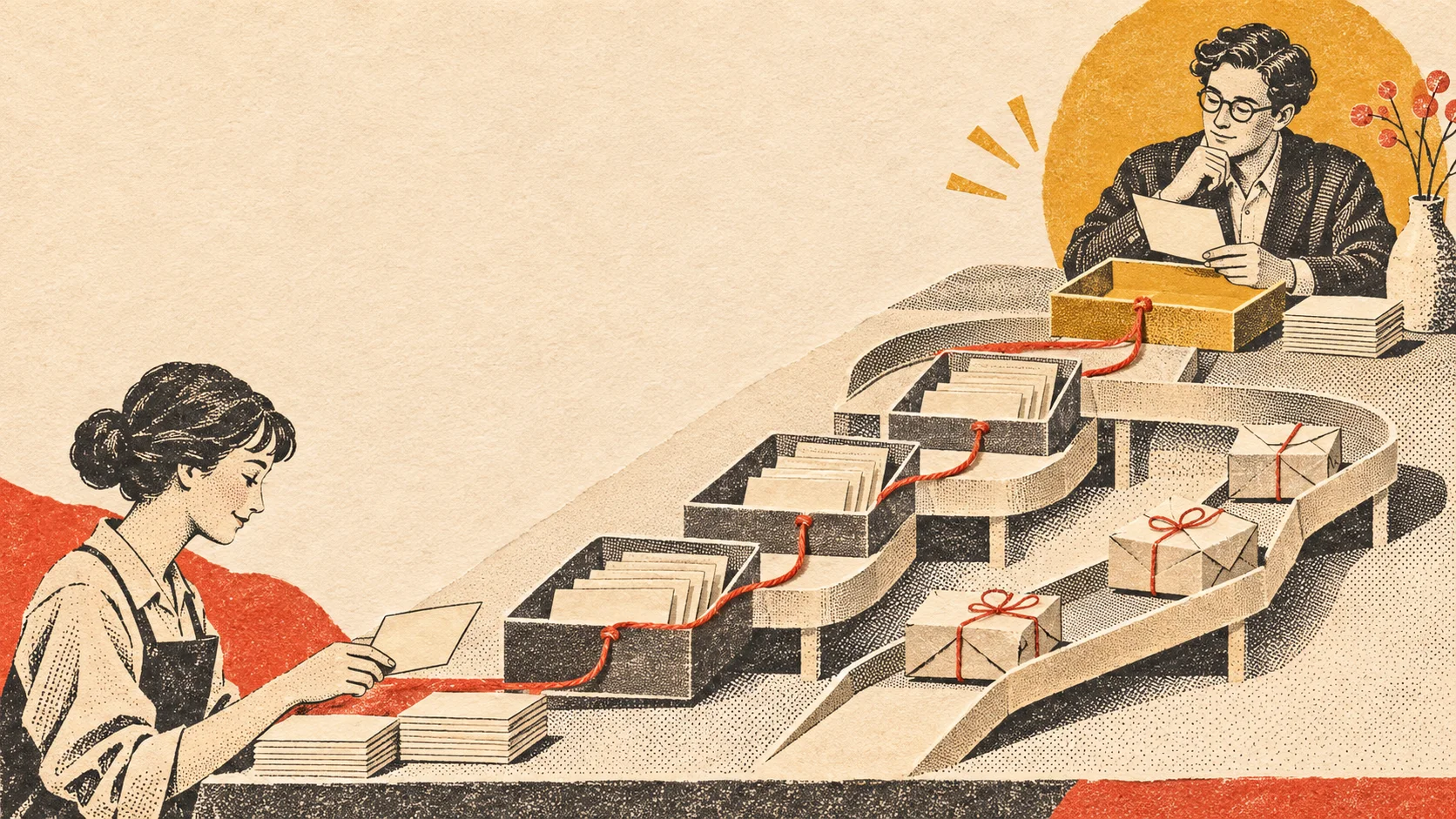 SCOPE / BUSINESS AUTOMATION & AI
Start with the work that slows people down.
Repeated data entry, handoffs between tools, and routine status checks can consume time without making the work better. A thoughtful automation begins by understanding the process: what starts it, where information goes, what decisions happen, and how exceptions are handled.
We map the workflow before choosing technology. Sometimes a small integration or a clearer process is enough. Sometimes an automation or carefully scoped AI assist can remove a tedious step while leaving important judgment with your team.
A FEW PRINCIPLES
Automation should make good work easier to do.
Fix the process first.
Understand the handoffs and exceptions before encoding them into a workflow.
Keep people in control.
Decide where review, approval, and human judgment belong in the process.
Make it understandable.
Document what the automation does and how the team can spot and resolve issues.
CONNECTED CAPABILITIES
Practical improvements across everyday operations.
Connect existing tools
Reduce duplicate entry by moving appropriate information between systems where supported integrations and permissions allow.
ExploreAutomate routine steps
Route requests, update records, and trigger follow-up actions around clear rules and exception handling.
ExploreOrganize reporting
Bring recurring data collection and summaries into a more consistent, reviewable workflow.
ExploreExplore AI assistance
Assess bounded uses for classification, drafting, or information support, with appropriate review and safeguards.
ExploreThe right connection depends on access, reliability, and the real workflow.
We begin by reviewing the tools involved, the information they hold, and the available ways they can connect. An official integration or API is often the most reliable path. If a tool does not offer one, we assess alternatives and their limits before recommending anything.
The result should respect the systems’ permissions, protect sensitive information, and make failures visible enough for someone to respond. We define those requirements as part of the project—not after the workflow is already in use.
A THOUGHTFUL PROCESS
Map the work, make a careful change, and keep learning.
01 / MAP
Understand the workflow
Document the triggers, tools, data, handoffs, decisions, and exceptions involved.
02 / DESIGN
Choose a bounded improvement
Agree on the integration or automation, review points, permissions, and fallback behavior.
03 / REFINE
Test with the people doing the work
Review real cases, adjust the workflow, and document how it should be monitored and maintained.
AI is one option in the workflow—not a substitute for a clear one.
AI tools may help with bounded tasks such as sorting incoming information, preparing a draft, or finding patterns across material. Their usefulness depends on the quality of the inputs, the consequences of a mistake, and whether a person can review the result.
We look for a fit between the task and the technology, discuss data handling and limitations, and keep approval with people when the decision calls for it. If a simpler rule-based automation is more dependable, we will say so.
COMMON QUESTIONS
Good questions before automating a process.
How do we know whether a task is worth automating?
Look at how often it happens, how much effort it takes, how consistent the steps are, and what happens when an exception appears. We can map those details and compare them with the cost and care of automation.
Can you connect any two systems?
It depends on the systems, their integration options, account permissions, and data requirements. We assess those constraints before promising a connection.
Will AI make decisions without our review?
That is a design choice, not a default. We can build review and approval into the process, and we will discuss where human oversight is needed for the task.
What happens when an automation fails?
A responsible workflow needs a way to identify errors, notify the right person, and recover or continue manually. We include those behaviors in the scope where the systems allow.
LET’S MAKE THE NEXT MOVE COUNT.
Let’s find the part of the process worth improving.
Tell us what your team repeats, where information gets stuck, and what needs a person’s attention.
Discuss a workflow